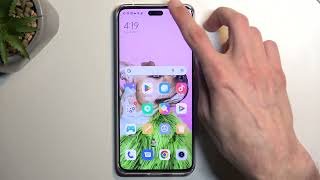
Screenshot on APPLE iPhone 14 Plus
How to capture screenshot on APPLE iPhone 14 Plus? How to capture screen in APPLE iPhone 14 Plus? How to save screen on APPLE iPhone 14 Plus? How to capture APPLE iPhone 14 Plus in the Photos?
The simple way to capture screen in APPLE iPhone 14 Plus. After saving the screens you will be able to edit / share / delete captured screens in iOS 16 Gallery. Click here to read more about screenshot.
How to screenshot on APPLE iPhone 14 Plus?
- In the First step, open the screen which you want to save as an image.
- Next step is click a combo of the Power button and the Volume Up.
- Well done! The screenshot will be captured in the Photos.