
How to take Screenshot on Apple iPhone 15 Pro Max
How to take screenshot on Apple iPhone 15 Pro Max? How to capture screen in Apple iPhone 15 Pro Max? How to save screen on Apple iPhone 15 Pro Max?
The simple way to capture the screen in Apple iPhone 15 Pro Max. After saving the screens you will be able to edit/share/delete captured screens in iOS 17 Gallery.
How to take screenshot in Apple iPhone 15 Pro Max?
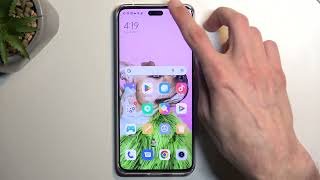
- To get started, display the screen you want to capture as an image on your iPhone 15 Pro Max.
- Press the power button and volume up button combination.
- Good work! The screenshot is automatically saved to Photos.




3 thoughts on “How to take Screenshot on iPhone 15 Pro Max”
Okbetcasino, oh yeah, I’ve seen that one. What’s your take? Any good slots to recommend? Is it worth spending time here? Been wanting an honest review before I dive in. Hit up okbetcasino and see if it’s for you!
Alright, who’s chasing the big one? Jackpot777br seems promising enough. The name alone gets you pumped, doesn’t it? I’ve put a few quid in, haven’t hit the jackpot YET, but there’s always tomorrow! See if you have better luck at jackpot777br.
Heard about super spin and wanted to investigate for myself. Pretty good, worth a look. Check it out super spin!